
Video Intercom System for Apartment Buildings: 7 Features That Matter Most
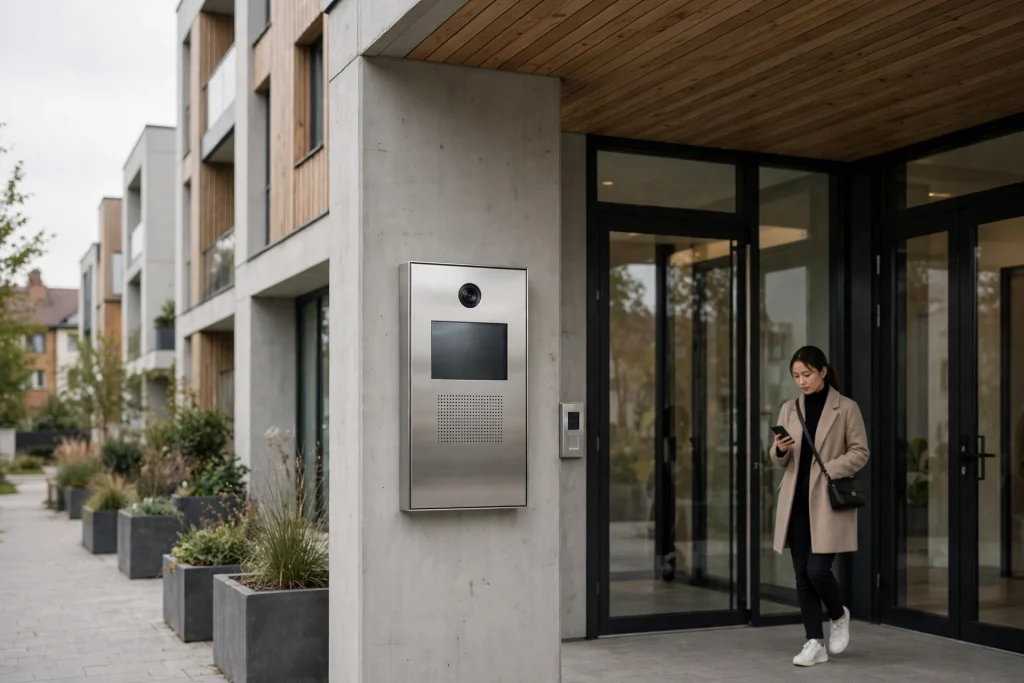
If you manage an apartment building, the front door is where security, convenience, and tenant satisfaction all collide. A modern video intercom system for apartment buildings replaces the crackly audio-only buzzer with live video, smartphone access, and cloud-based management — tenants see who’s at the door from anywhere, and you manage the whole tenant directory from your desk instead of a programming panel in the basement.
But not every system delivers on that promise. Specs vary widely, and the features that look good in a brochure are not always the ones that matter at 2 a.m. when a tenant is locked out or a delivery driver is waiting in the rain. This guide walks through the seven features that actually make a difference, what they cost you if they’re missing, and how to match a system to your building’s size.
Why Apartment Buildings Are Replacing Old Buzzer Systems
Traditional buzzer panels were designed for a simpler era: a visitor pressed a button, a tenant picked up a handset, and a relay buzzed the door open. There was no video, no record of who came and went, and every tenant change meant reprogramming the panel and reprinting the directory.
Three pressures are pushing buildings to upgrade:
- Deliveries. Tenants order more packages than ever, and a missed delivery means a trip to a depot or a parcel left in an unsecured lobby. Tenants increasingly expect to buzz couriers in from their phones.
- Security expectations. A camera at the entrance — with the ability to see and record visitors — is now a baseline expectation in rental listings, not a luxury.
- Management workload. Every move-in and move-out used to mean a site visit to update the panel. Cloud-managed systems turn that into a two-minute task from anywhere.
A video intercom (also called a video door phone) solves all three at once, which is why upgrades are happening in buildings of every size, from fourplexes to high-rises.
7 Features to Look For in a Video Intercom System for Apartment Buildings
1. Smartphone Access for Tenants
The single biggest upgrade over a legacy panel is letting tenants answer the door on their phones. When a visitor calls, the tenant gets a notification, sees live video, talks to the visitor, and unlocks the door — from the couch, the office, or another country. Look for a system with both iOS and Android apps, and check whether multiple residents in one unit can each register their own device. Systems like the GBF SentryLink smart intercom system are built around exactly this: tenants are alerted and can view callers remotely on their mobile devices, wherever they are.
2. Virtual Keys for Guests and Deliveries
Physical keys and shared door codes are a security hole — codes get shared, written down, and never changed. A better model is the virtual key: a tenant or manager creates a temporary, time-limited code for a specific door, right from the app. The cleaner gets a code that works Tuesday afternoons; the dog walker gets one for weekday mornings; a delivery driver gets a one-time code that expires after use. When the code expires, access ends — no rekeying, no chasing down copies.
3. Cloud-Based Tenant and Access Management
Ask who has to visit the building to add a tenant. If the answer is “a technician with a laptop,” walk away. A modern system should let property managers edit the tenant list, unit information, and access permissions remotely through a cloud portal. Event tracking matters too: a searchable history of entries, with visitor images, turns “someone propped the door open last night” from a mystery into a timestamped record. The best systems integrate with popular property management software, so the intercom directory stays in sync with your rent roll.
4. Camera Quality: Resolution, Viewing Angle, and Night Performance
The camera is the point of a video intercom, so don’t accept vague specs. Look for:
- 1080p resolution — enough to recognize faces and read courier labels.
- A wide viewing angle (120° or more) — so you see the visitor and the packages at their feet, not just a forehead.
- Night performance — infrared or low-light colour, because a large share of calls happen after dark.
Tenants should also be able to pull up a live view of the entrance on demand, not only when someone rings — and to save snapshots or clips to their own phone when something looks wrong.
5. More Than One Way to Open the Door
Different residents open the door differently, and a good system doesn’t force one method on everyone. Look for a mix of:
- Smartphone unlock from the app
- Personal access codes on the door station keypad
- Key fobs or proximity cards for residents who prefer them
- Indoor monitors for units that want a dedicated in-home screen
A timed lock/unlock schedule is a quiet bonus: the lobby door can stay open during weekday business hours for a commercial tenant, then lock automatically at night.
6. Scalability: From a Handful of Units to a Thousand
Buildings change. A system sized exactly for today becomes a problem the day you add a sister property or convert units. Check the platform’s ceiling before you buy: some systems top out at a few dozen units, while platforms like SentryLink are designed for anywhere from 2 to 1,000 units on the same technology. If you manage several properties, one platform across all of them means one app for tenants, one portal for your team, and one support number to call.
7. Installation Flexibility: PoE Wiring and Mounting Options
Retrofit reality matters more than spec sheets. Most buildings upgrading from a buzzer system don’t want to open walls. Look for:
- Power over Ethernet (PoE) — one cable carries both power and data to the door station, simplifying the run.
- Surface-mount and flush-mount options — so the station fits your entrance, not the other way around.
- Weather resistance — an outdoor station should carry at least an IP55 rating to survive rain, snow, and pressure washers.
If your building still has working legacy wiring, ask about systems that can reuse it — some GBF multi-unit kits are designed around exactly that retrofit scenario. You can browse the current SentryLink door stations and cloud plans to see how the hardware tiers break down.
What Does a Video Intercom System for Apartment Buildings Cost?
Pricing has two parts: the hardware (door station, any indoor monitors, installation) and, for cloud-based systems, a subscription that is usually tiered by the number of units in the building. A 10-unit walk-up and a 300-unit tower will land in very different tiers — which is fair, because the small building shouldn’t subsidize the large one’s cloud usage.
When comparing quotes, check what’s actually included:
- Is the mobile app free for tenants, or licensed per unit?
- Does the subscription include cloud storage of visitor images and event history?
- What does it cost to add units later — a simple tier change, or new hardware?
- Who handles tenant onboarding when someone moves in?
The cheapest panel on the shelf often becomes the most expensive system once per-unit licensing and service visits are added up.
Choosing the Right System for Your Building’s Size
Small buildings (2–8 units). A self-contained kit is usually the sweet spot: one outdoor station, optional indoor monitors, and app access for each unit — no server, no ongoing contract required. GBF’s video intercom kits for 2–8 unit buildings are built for this segment, including retrofit-friendly options for buildings with existing wiring.
Mid-size and large buildings (9–1,000 units). Look at a cloud platform with a proper directory station (a touch-screen panel tenants’ visitors can search), virtual keys, and remote management — the SentryLink segment. At this scale, management time is your biggest cost, and cloud administration pays for itself in avoided site visits.
Mixed portfolios. If you manage both, standardize on one vendor family so tenants moving between your buildings already know the app, and your team learns one system.
FAQ
Can a video intercom system replace our existing buzzer panel?
In most buildings, yes. The new door station mounts where the old panel was (surface or flush mount), and many systems can reuse existing wiring runs. Tenants keep a familiar experience — visitor presses their unit, they answer — except now it’s video on their phone.
Do tenants need an indoor monitor, or can they use only their phones?
Both models work. Most tenants prefer the phone app because it works from anywhere, but the system can also include in-unit monitors for residents who want a fixed screen — useful for seniors or units with unreliable mobile coverage.
What happens if the internet goes down?
Door stations continue to work locally for residents using access codes, key fobs, or cards; the app features (remote video calls, virtual key creation) resume when the connection returns. Ask your vendor to walk you through their offline behaviour before you buy — it varies.
How are deliveries handled when a tenant isn’t home?
The tenant answers the courier’s call from their phone and unlocks the door remotely, or issues a temporary virtual key code in advance. Either way, the event is logged with a visitor image, so there’s a record of every entry.
How long does installation take?
A single-entrance retrofit is typically a one-day job for the door station itself; larger buildings with multiple entrances or in-unit monitors are scheduled per entrance. Tenant onboarding (app registration) can happen in parallel and doesn’t require entering every unit.
Conclusion
A modern video intercom earns its keep three ways: tenants get the convenience of answering the door from anywhere, visitors and deliveries stop being a daily friction point, and managers get a directory they can update from a desk instead of a ladder. When you compare systems, weight the seven features above — mobile access, virtual keys, cloud management, camera quality, flexible entry methods, scalability, and installation fit — over headline specs.
If you’d like help matching a system to your building, talk to the GBF team — GBF Electronics has been building smart intercom systems for everything from single-family homes to 1,000-unit apartment buildings, and can recommend a configuration based on your unit count, wiring, and entrances.